✨ 8,436 Free AI Prompts
AI Image & Video
Prompts Ready-to-Copy
PromptBee is a free library of 8,436 image, video and text prompts. Find a style, copy the instructions and adapt them in your AI tool—no PromptBee account needed.
🐝 PromptBee⌂ Home
♧ Explore
▧ Categories
♡ Saved
⌕ Search prompts...
Prompt preview
✨ Copy
Paste
Create
That Easy!
Paste
Create
That Easy!
POPULAR AI TOOLS
Image, Video & Editing Prompts
for Your Creative Tools
Explore image prompts for ChatGPT, Gemini and Midjourney, video ideas for Runway and Pika, and editing instructions for CapCut and VN. Check each prompt for the tool and inputs it needs.
 ChatGPTPrompts
 GeminiPrompts
 MidjourneyPrompts
 DALL·EPrompts
 CapCutEditing ideas
 VNEditing ideas
 RunwayPrompts
 PikaPrompts
Ready to Copy
Copy a prompt in one click and paste it into your AI tool.
No Sign-up Needed
Browse and copy prompts without creating an account.
Fresh Inspiration
Explore creative ideas for photos, videos and writing.
Latest Prompts
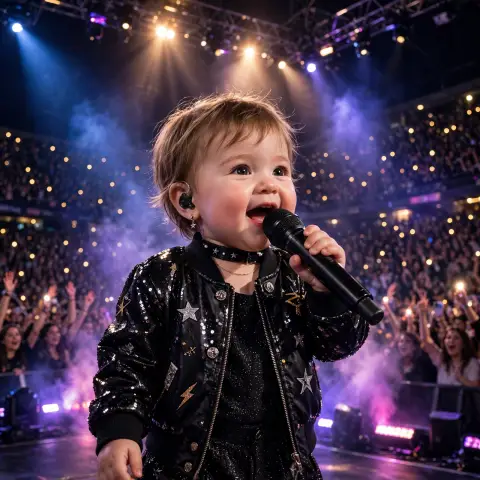
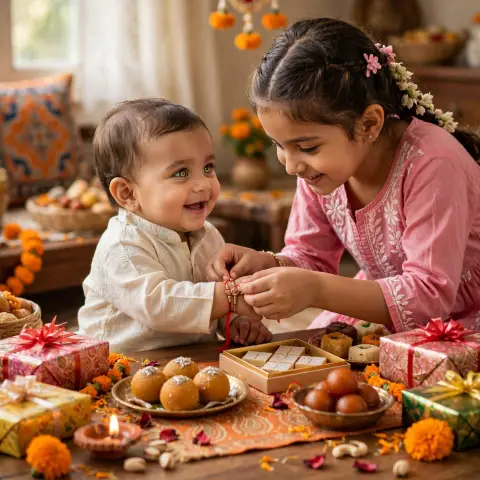
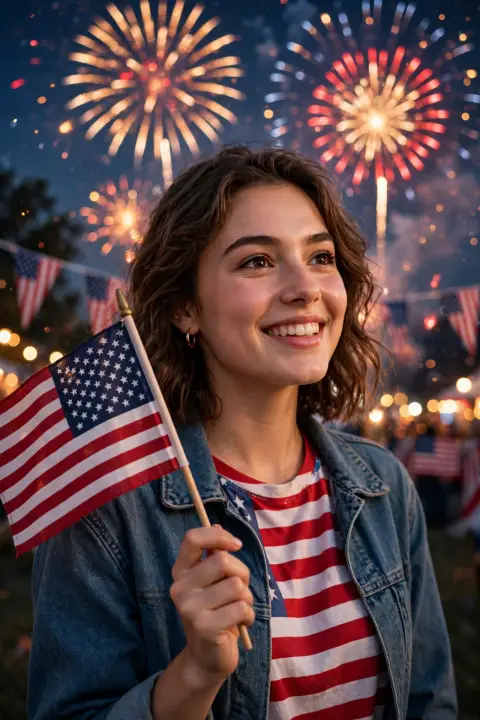
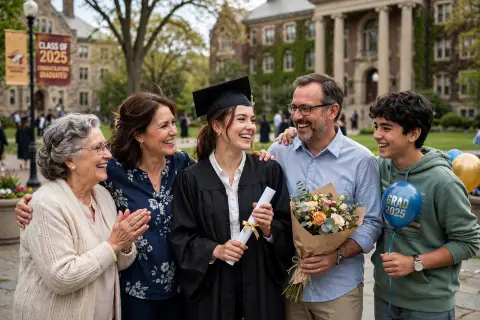
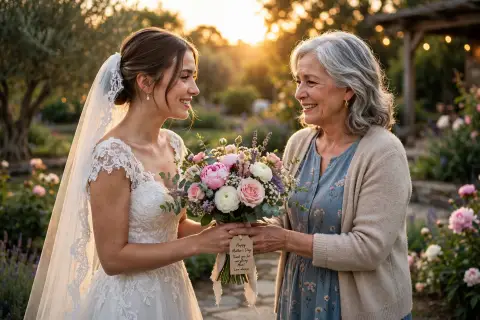
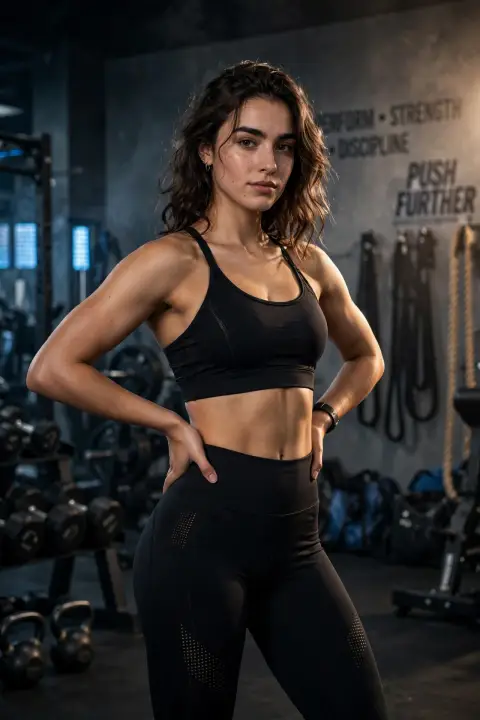
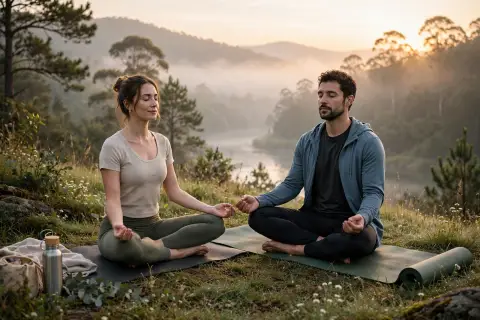
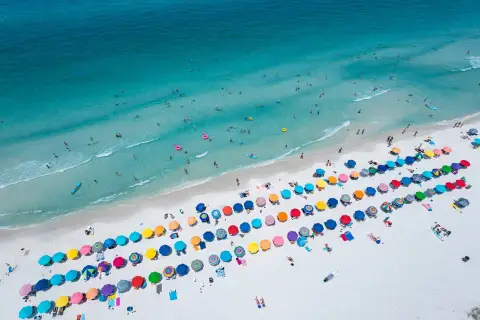
One fresh pick from every category, grouped by image shape. View a post or explore its category.
Square prompts
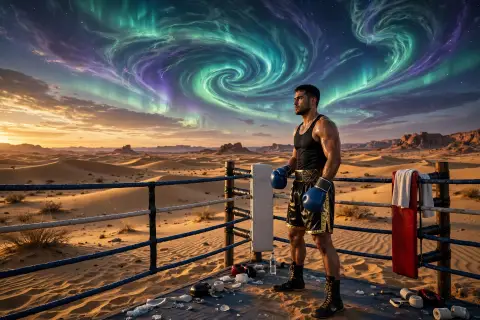
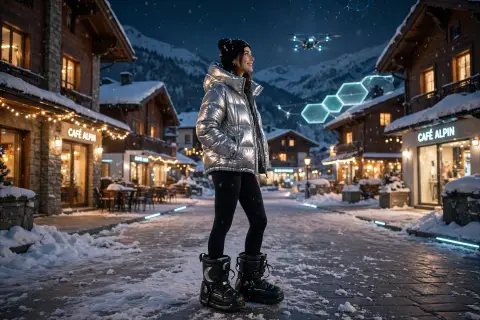
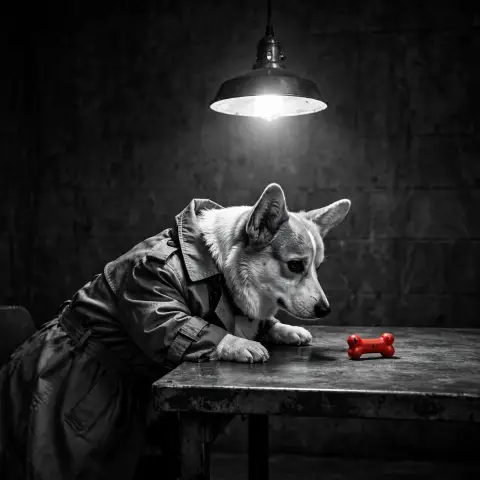
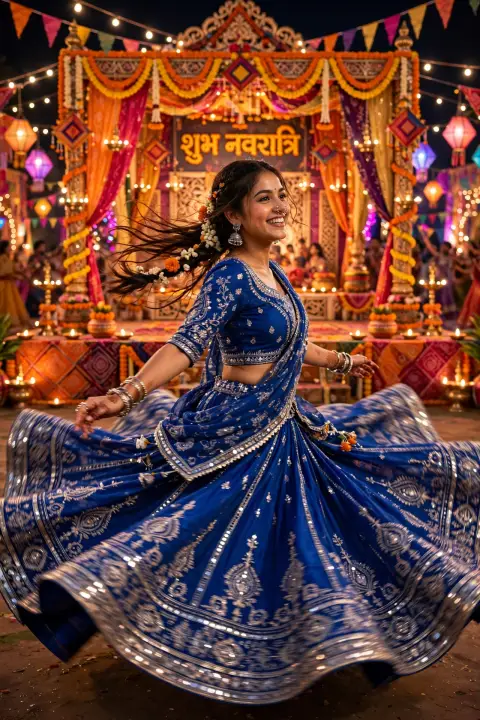
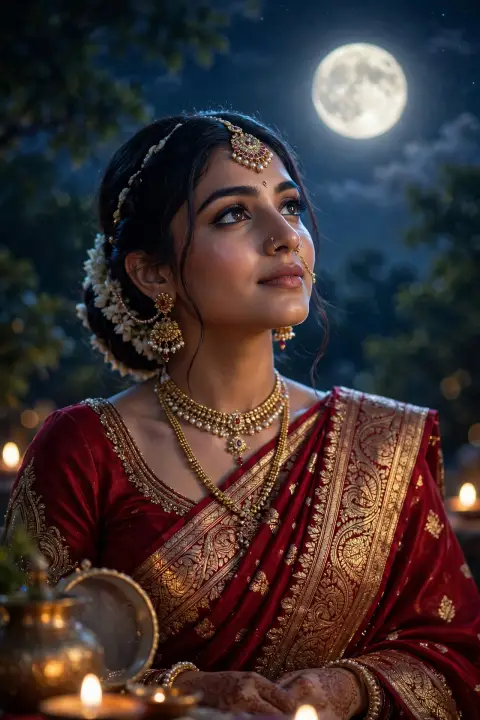


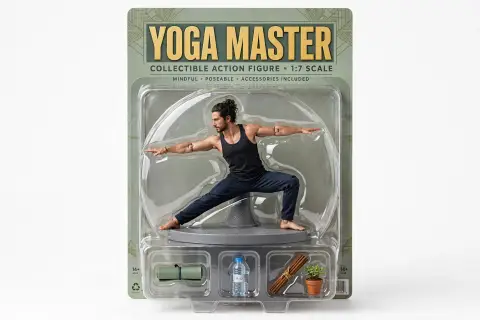
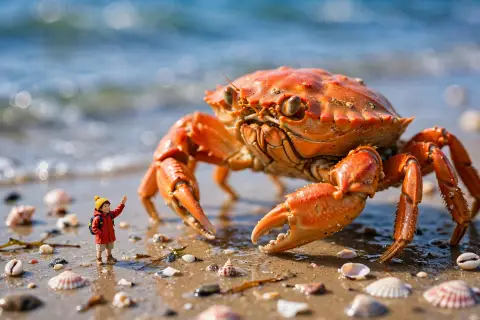
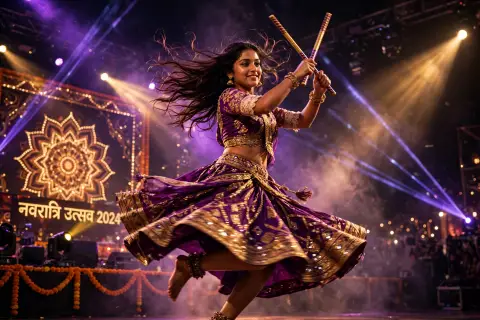


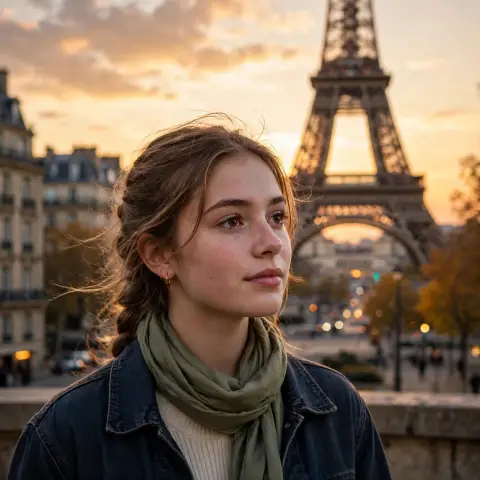
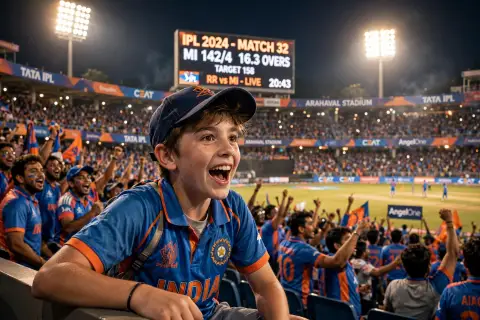
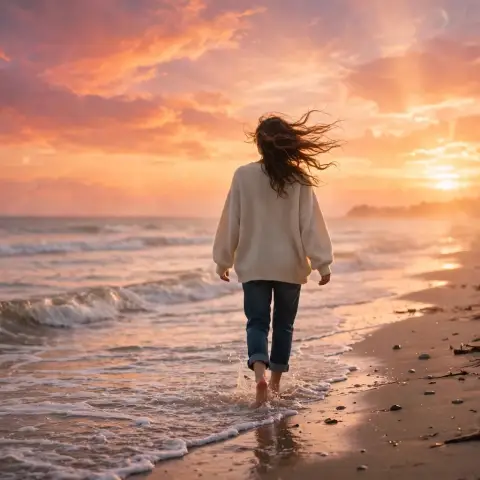
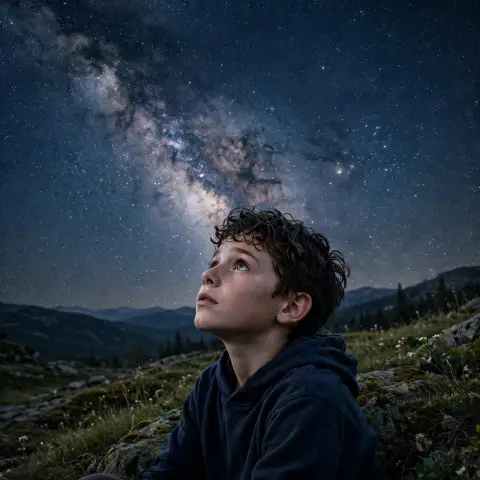




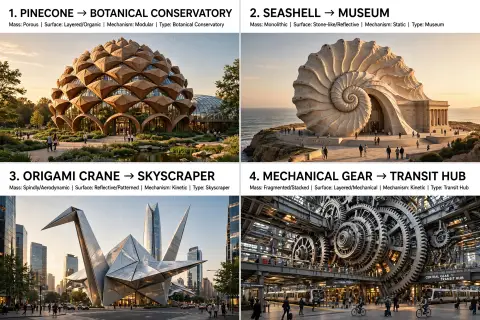












Trending
Prompt ideas inspired by rising searches across the world. Refresh for new picks.
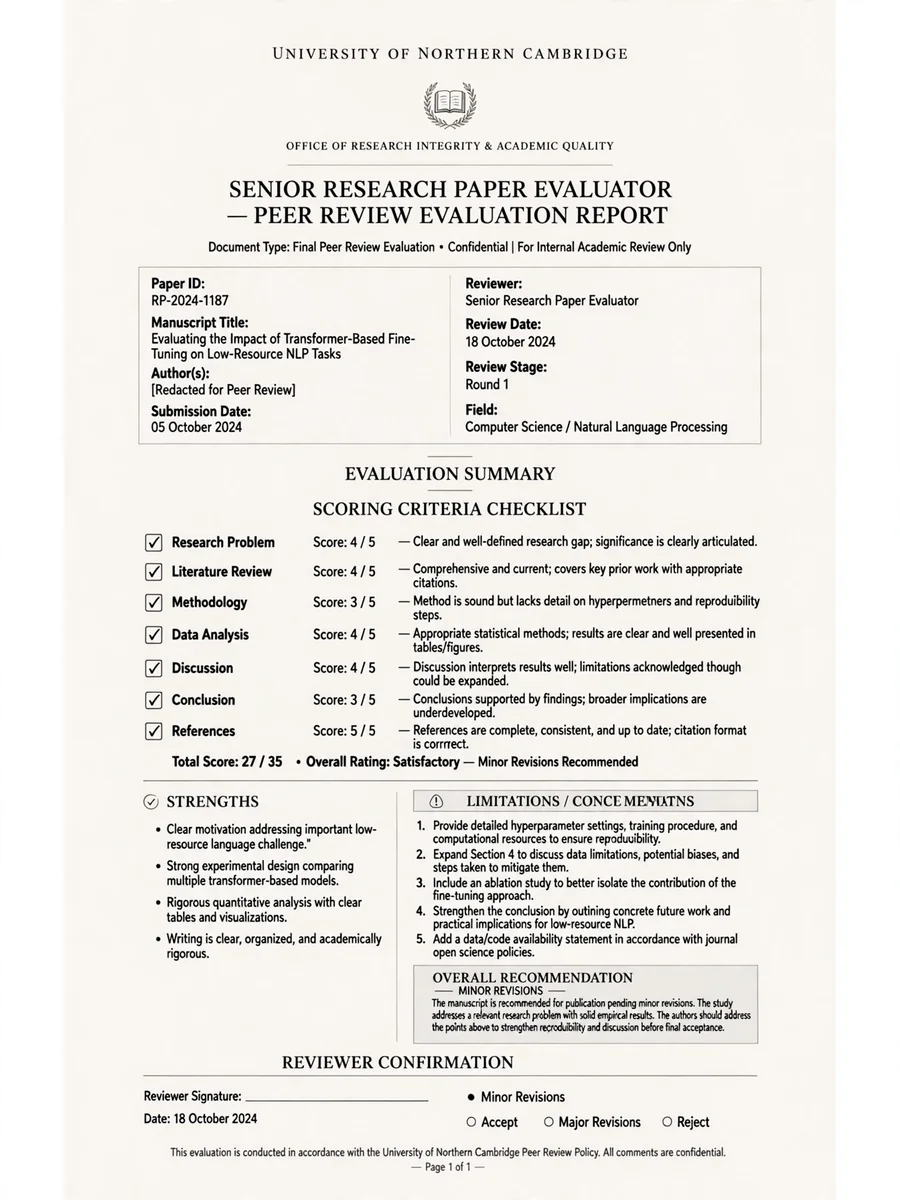
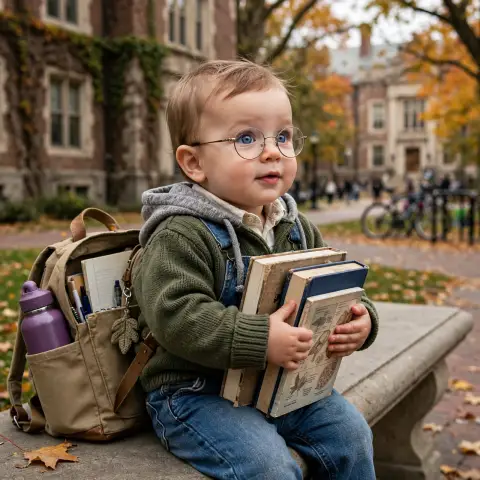
Chatgpt Prompts
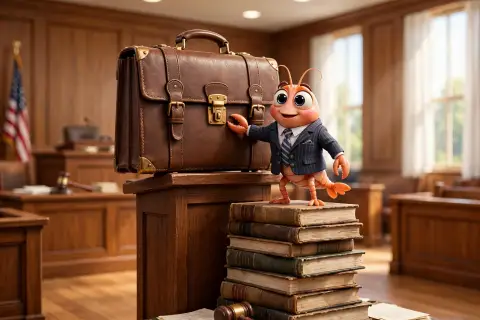
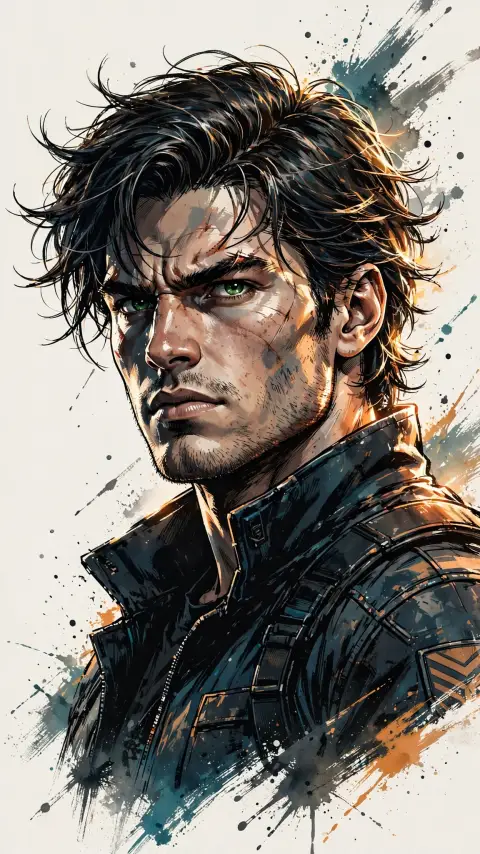
Act as a Senior Research Paper Evaluator — ChatGPT Prompt
Why this pick?
Related rising search: pape.
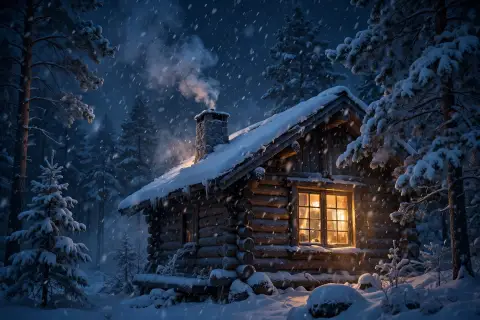
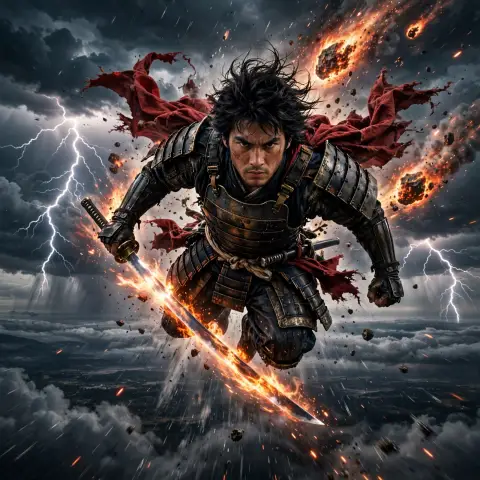
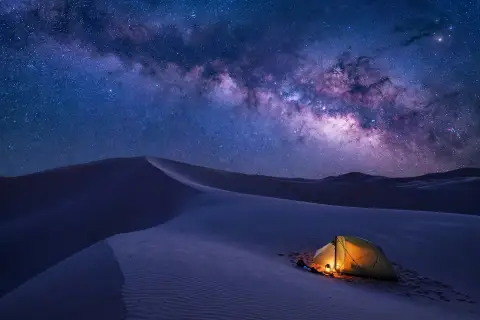
Ai Video
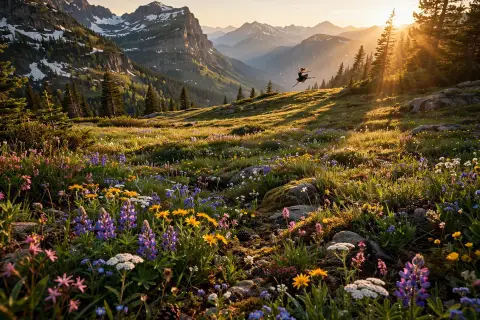
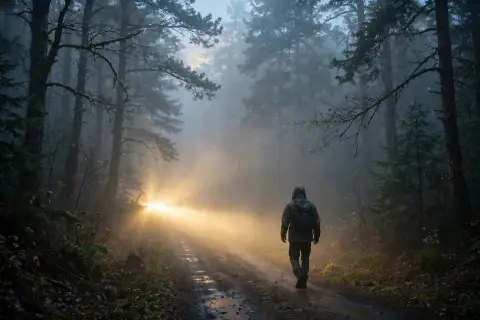
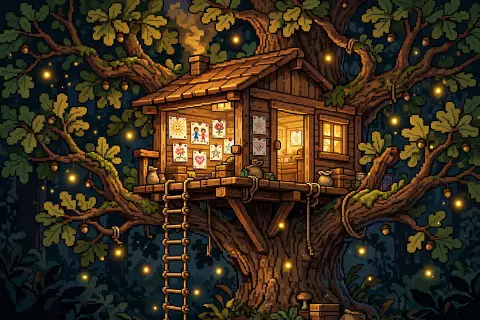
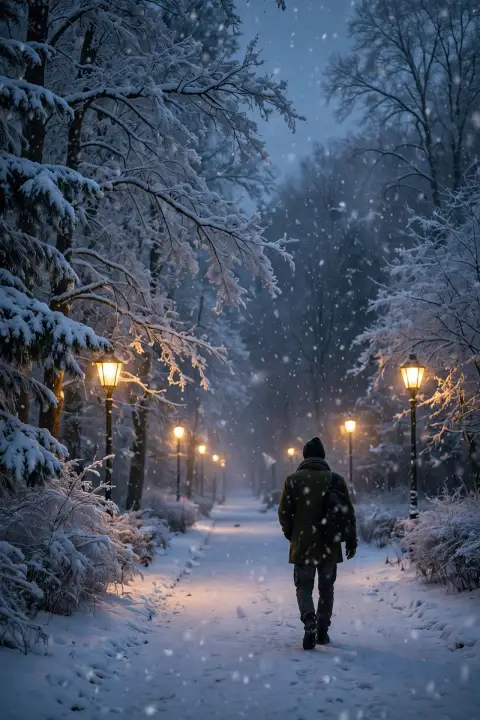
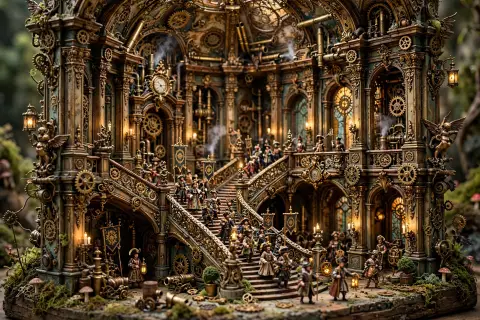
AI Video Snow Falling Cabin
Why this pick?
Related rising search: winter.
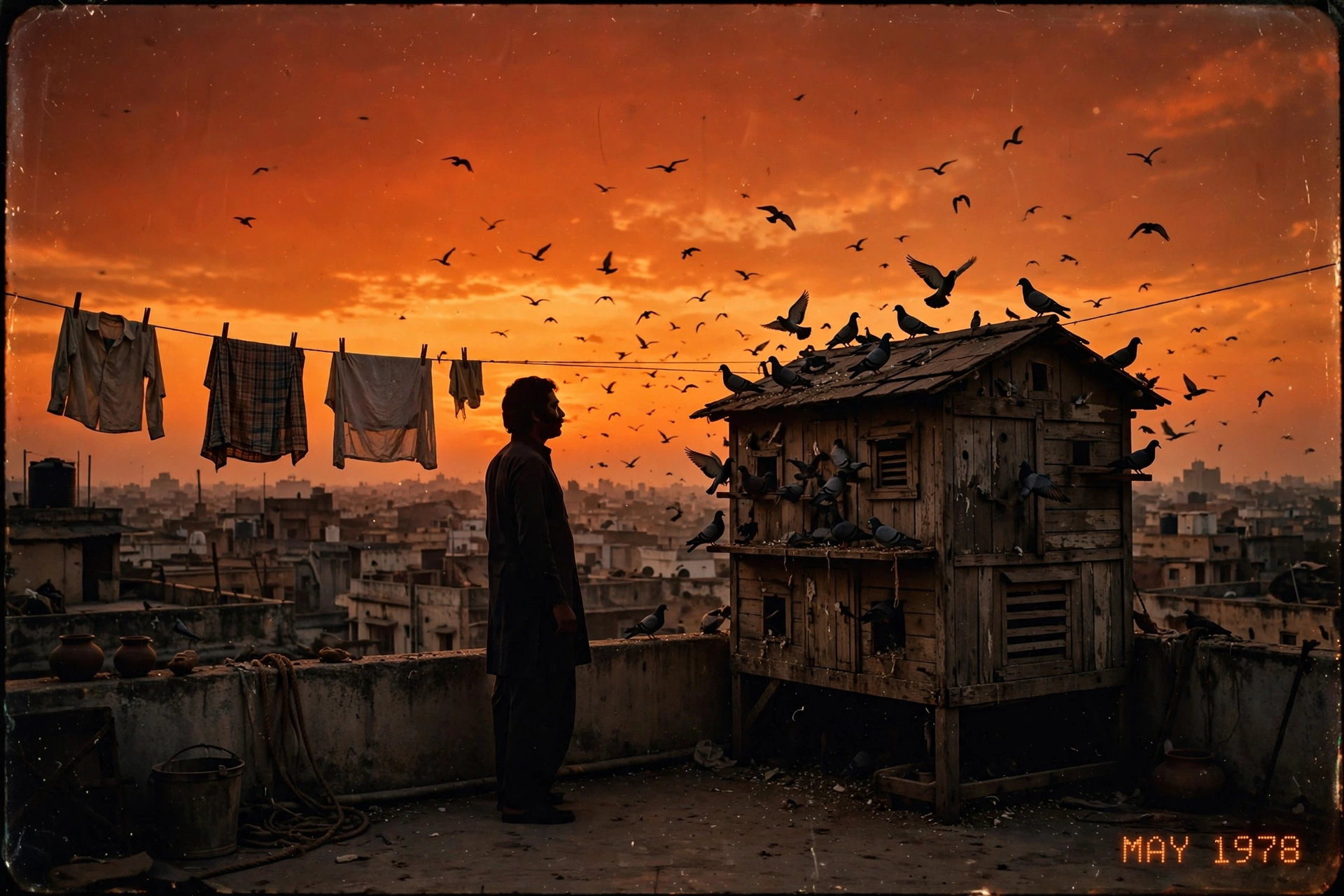
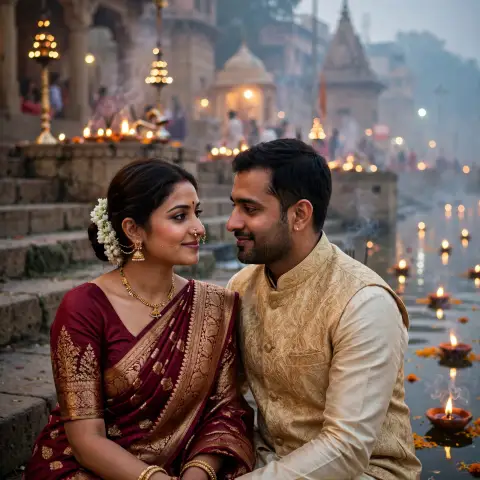
Retro
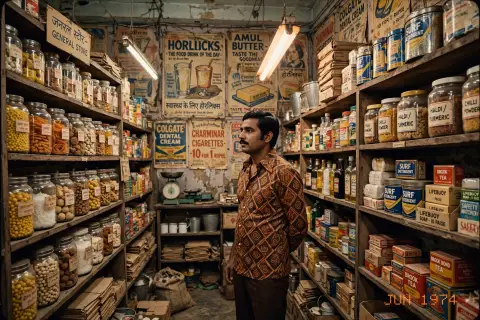
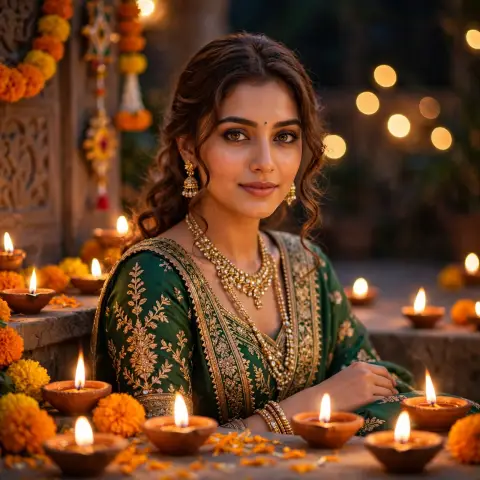
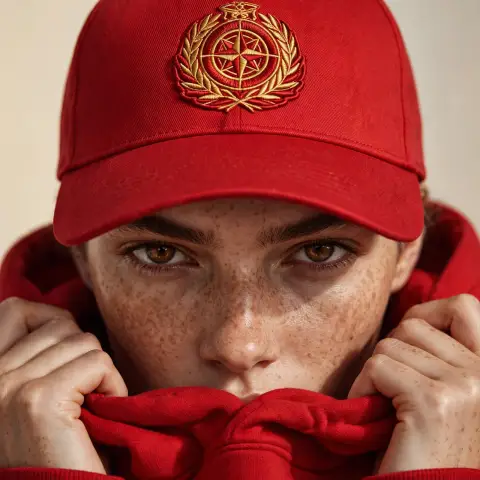
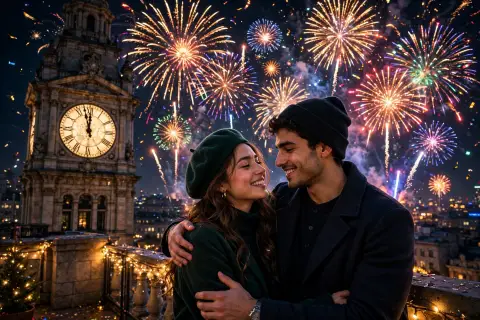
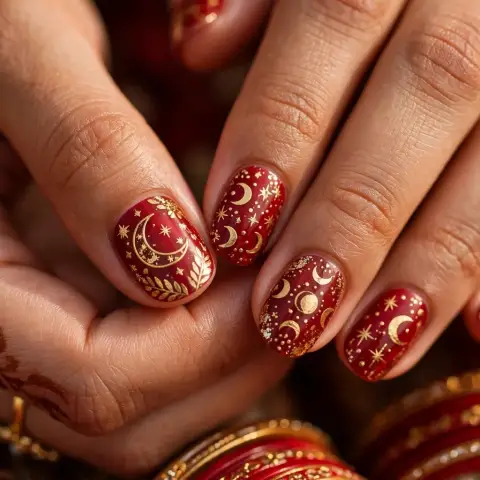
1970s Terrace Evening
Why this pick?
Related rising search: india.
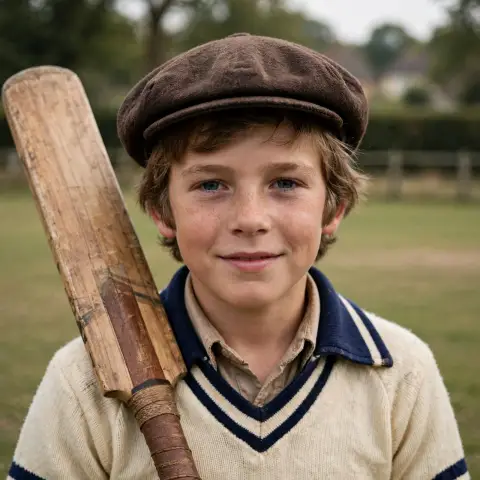
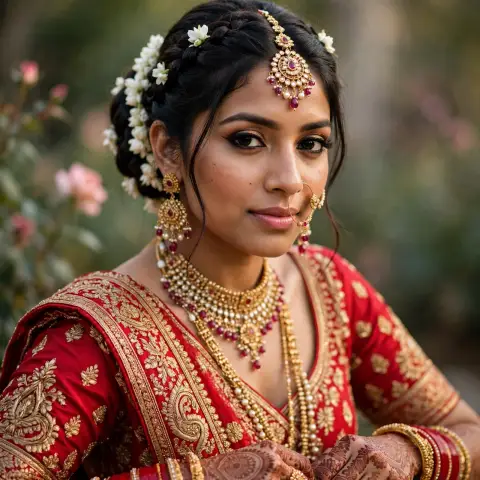
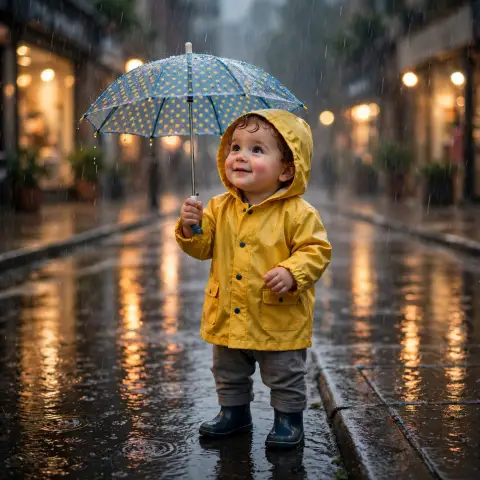
Portrait
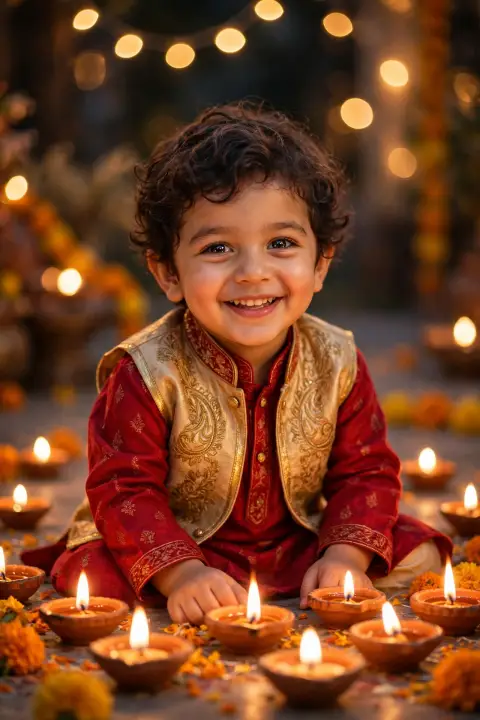
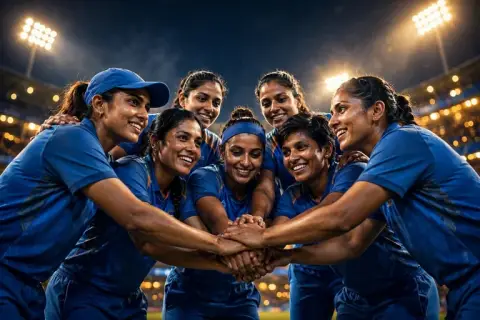
70s Kids Cricket
Why this pick?
Related rising search: england cricket.
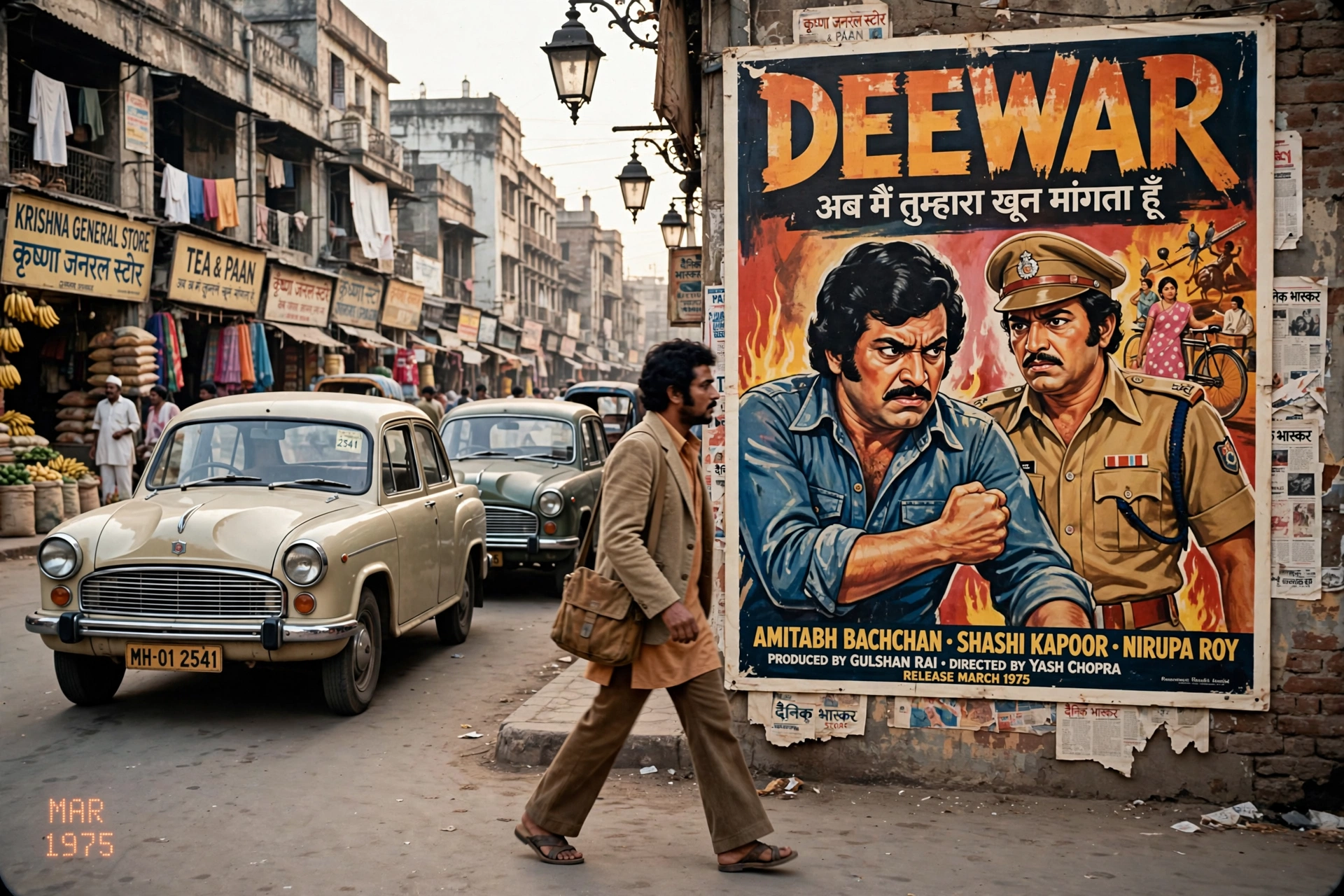
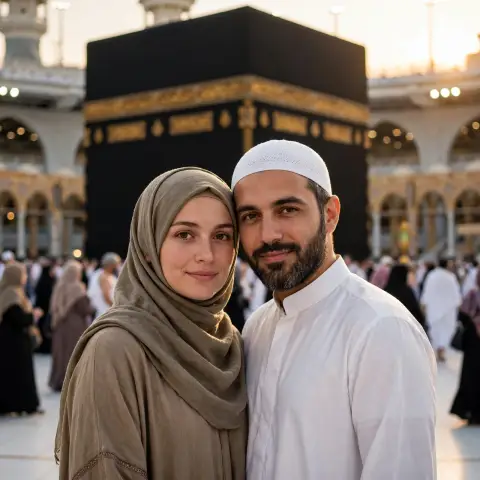
Retro
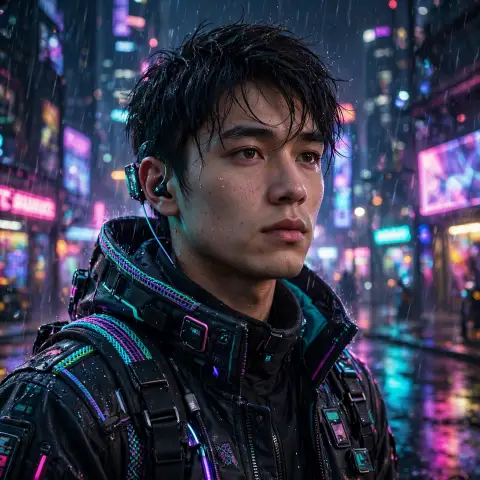
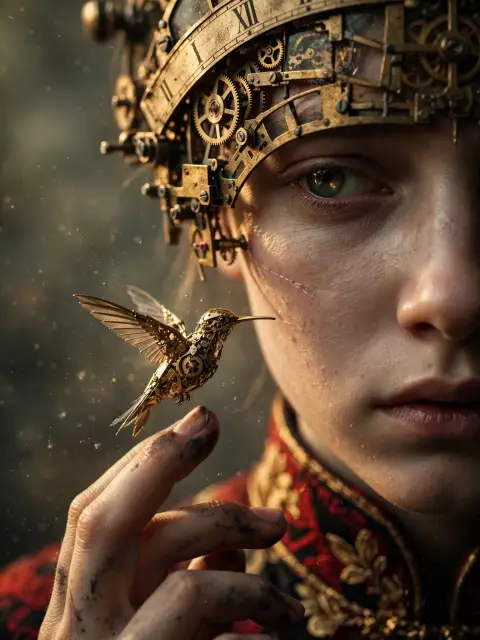
1970s Bollywood Street
Why this pick?
Related rising search: india.
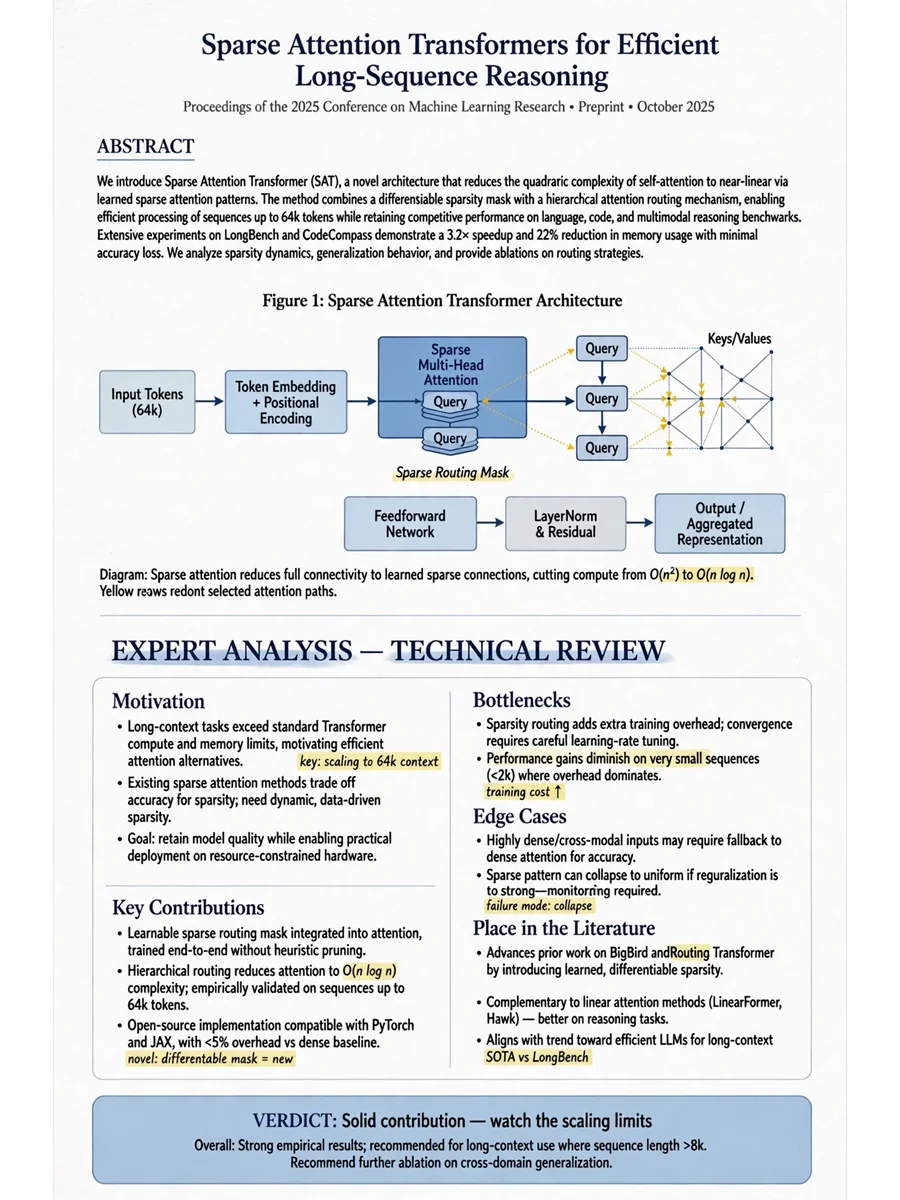
Chatgpt Prompts
Act as an Artificial Intelligence Paper Analysis — ChatGPT Prompt
Why this pick?
Related rising search: pape.
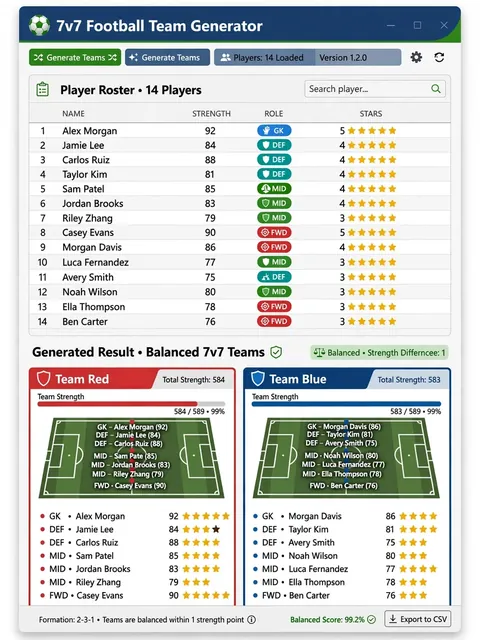
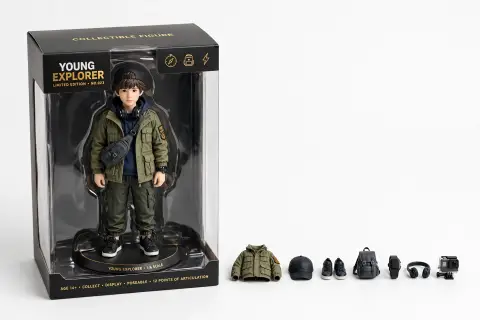
Chatgpt Prompts
Act as a 7v7 Football Team Generator App — ChatGPT Prompt
Why this pick?
Related rising search: egypt national football team.
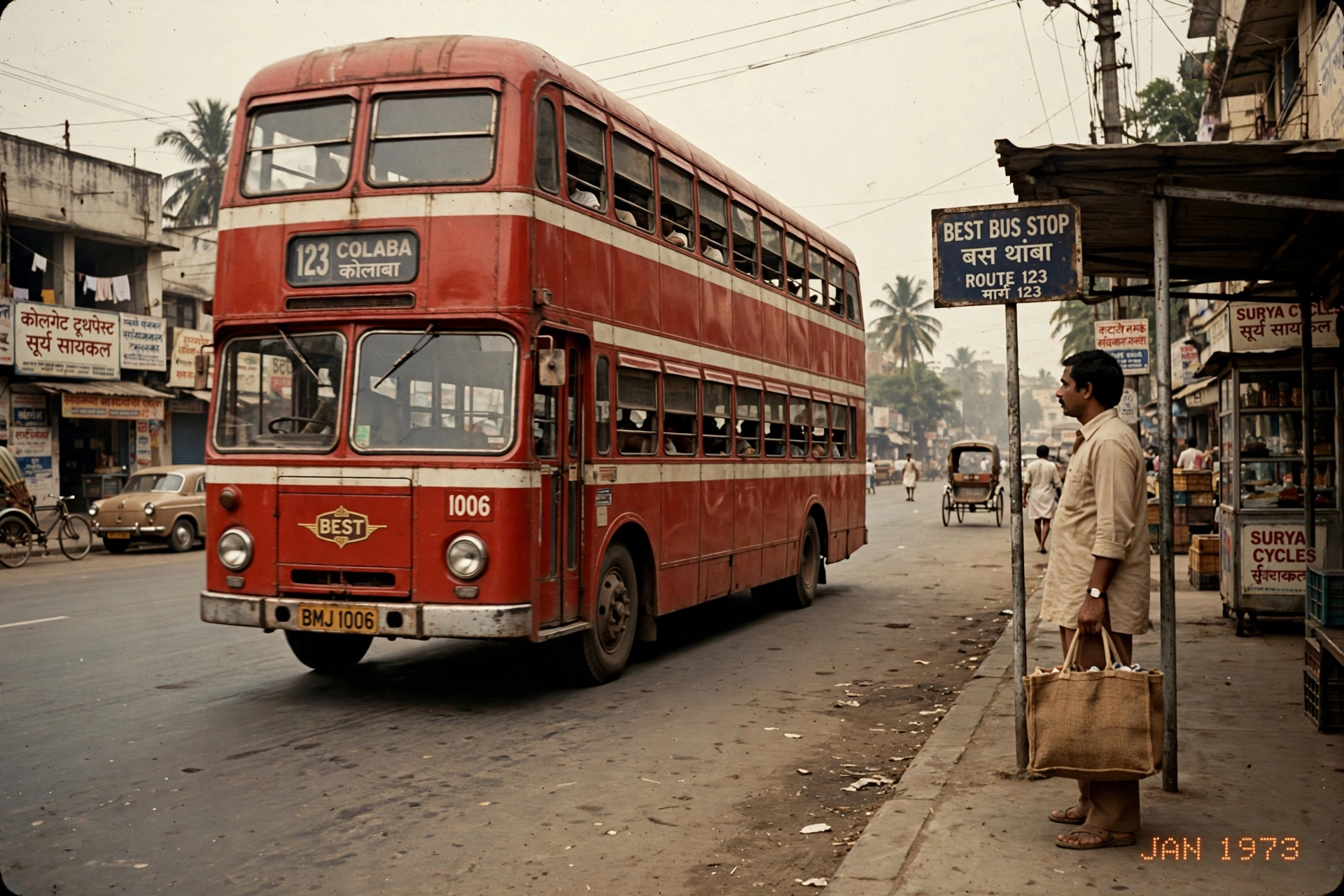
Retro
1970s Bus Stop
Why this pick?
Related rising search: india.
Trend sources · updated 14 Nov, 08:41 UTC
Matched to Google Trends Trending Now RSS signals from 20 countries (US, CA, MX, BR, GB, FR, DE, ES, IT, AU, JP, KR, IN, PK, BD, ID, TR, ZA, NG, SA). These are related prompt suggestions, not an official worldwide popularity ranking. Updated approximately every 30 minutes while the site is visited.
View Google Trends →- 1
Find your style
Choose your subject and style, such as a couple portrait, cinematic video or anime character.
- 2
Copy the prompt
Copy the full prompt. Replace details such as clothing, background, lighting or camera movement.
- 3
Make something new
Paste it into the suggested tool. Add a reference photo if required, generate a result, then refine one detail at a time.
Frequently Asked Questions
Quick answers about copying prompts, choosing a tool and improving results.
Are these prompts really free?
Yes. Browsing and copying prompts on PromptBee is free and does not require an account. The AI tool you use may charge for generation or apply its own usage limits.
Which AI tools do these work with?
Choose an image prompt for an image-capable tool, a video prompt for a video generator, or editing instructions for CapCut or VN. A prompt is a starting point: supported features and results vary by tool and model.
How do I use a prompt?
Open a prompt and choose Copy Prompt. Paste it into the appropriate tool, replace the personal details and add a reference photo when requested. For video, keep the scene, action and camera movement clear.
How can I get better results?
Describe one main subject, the setting, lighting and style. Change one detail at a time after each result. For photo edits, say what should stay the same; for video, specify the action, duration and camera movement.